the problem
What needed fixing?
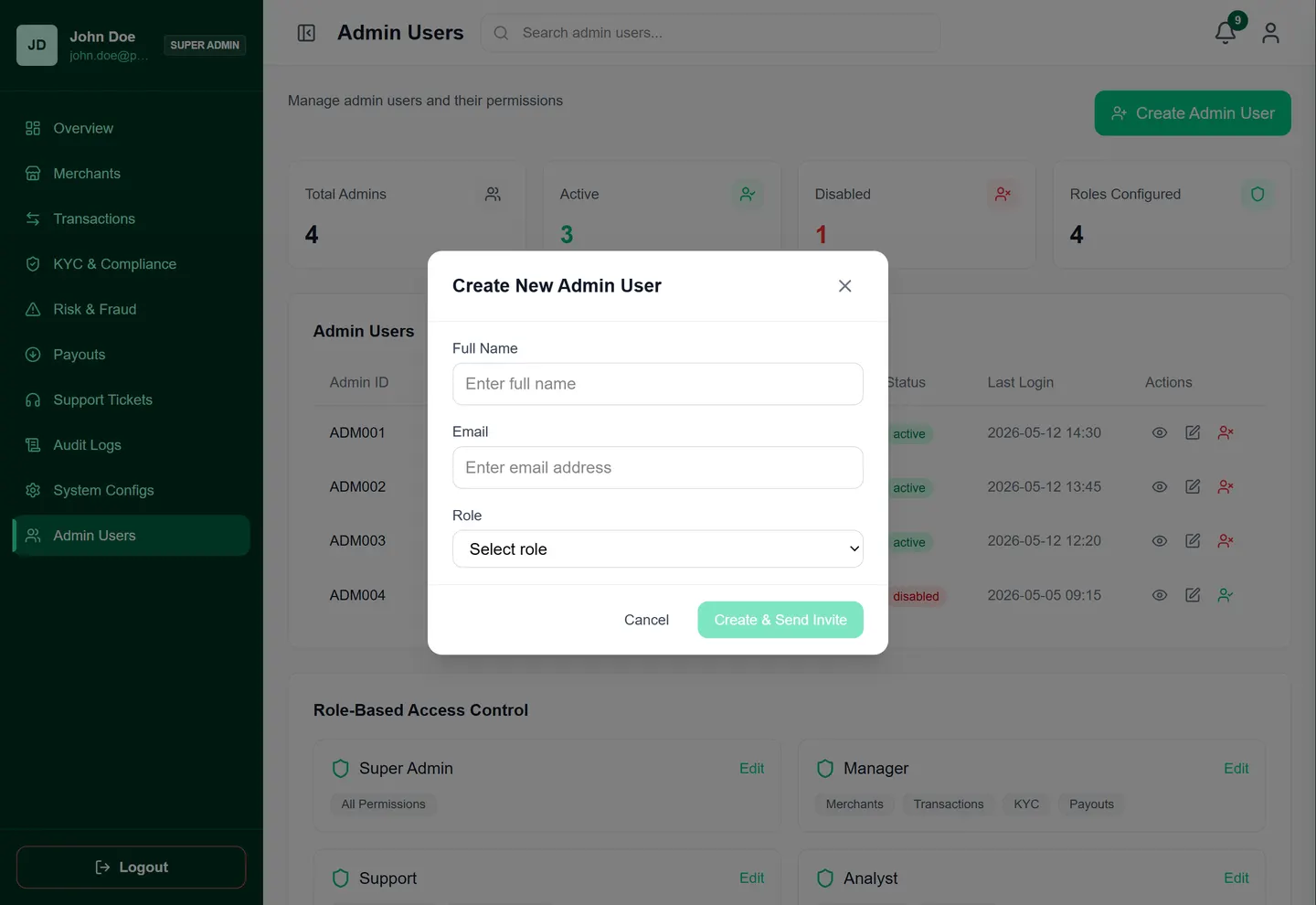
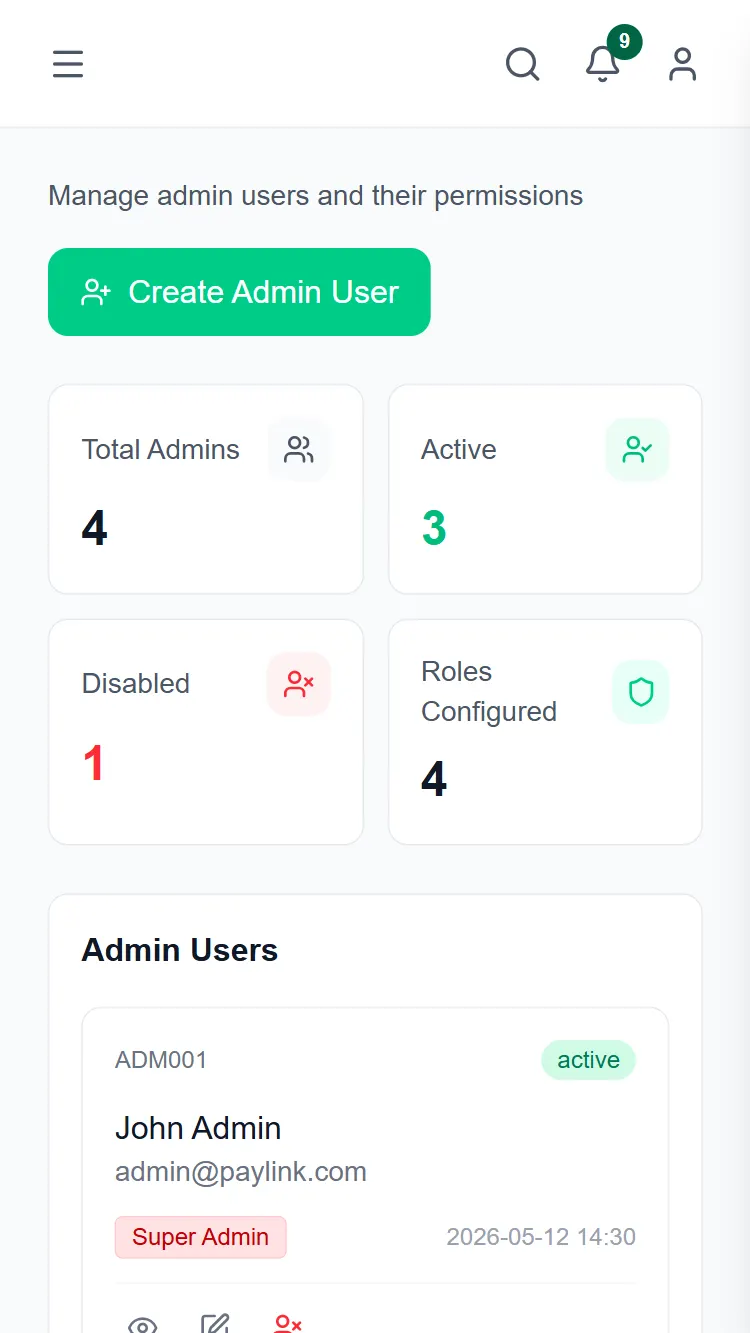
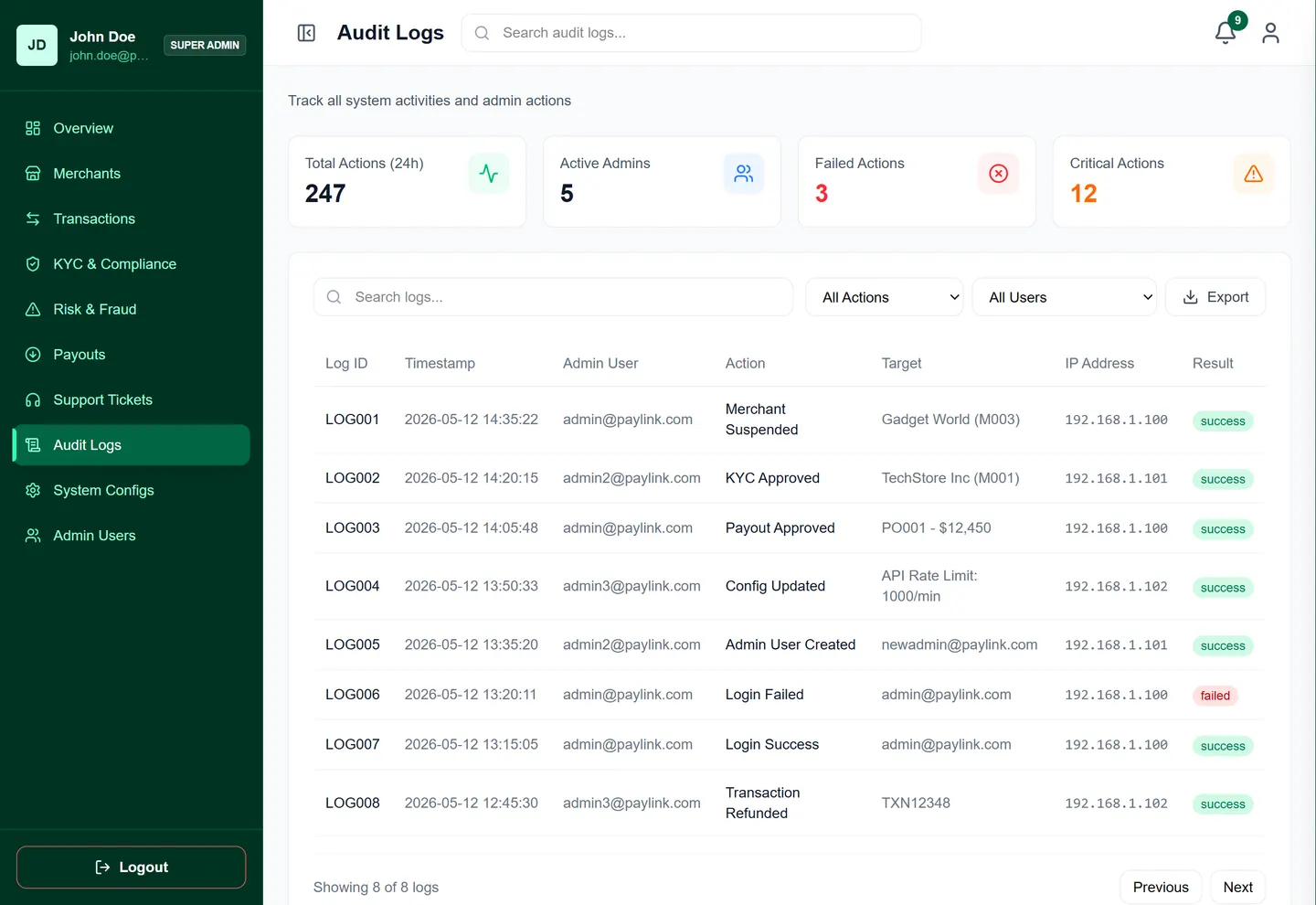
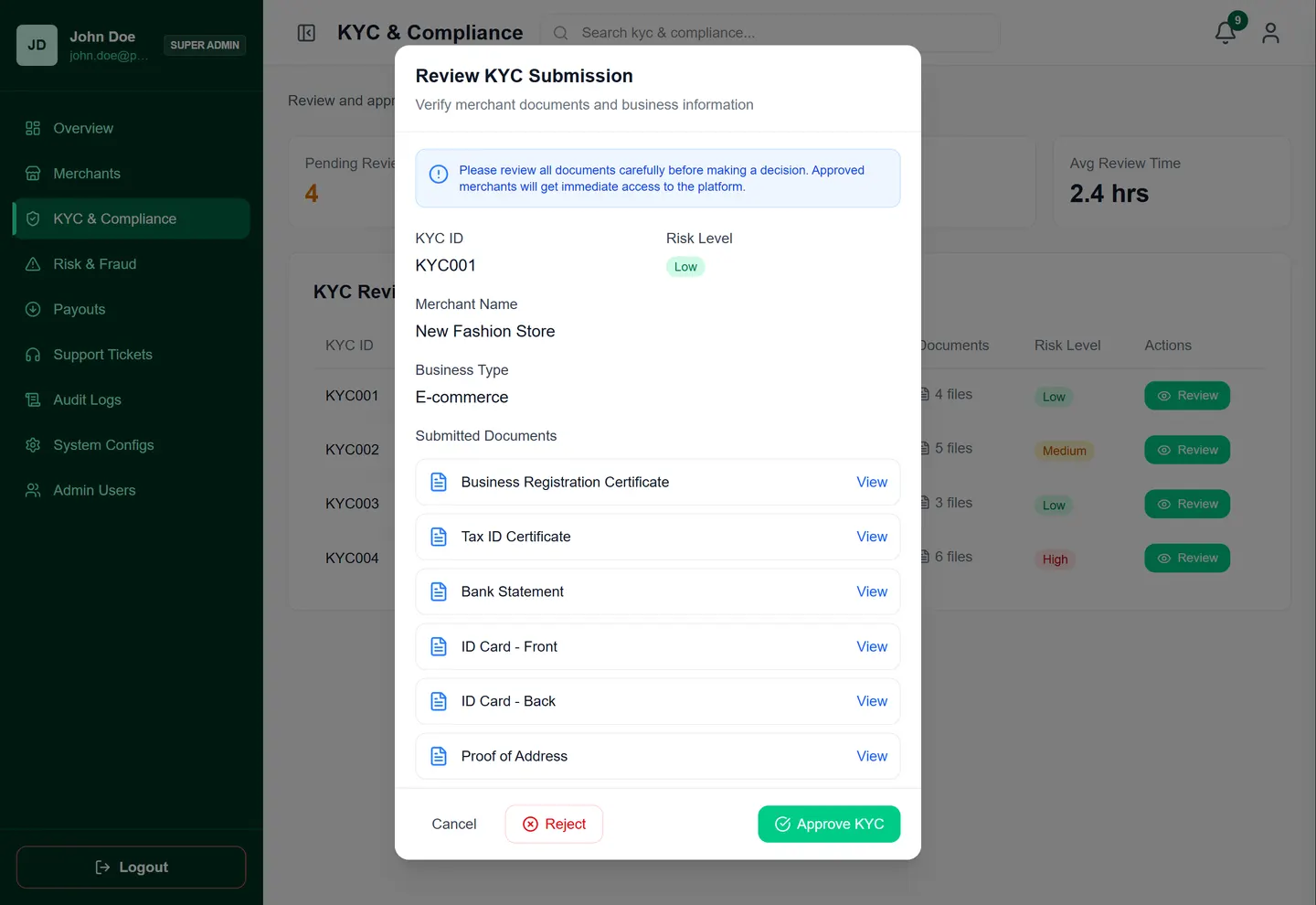
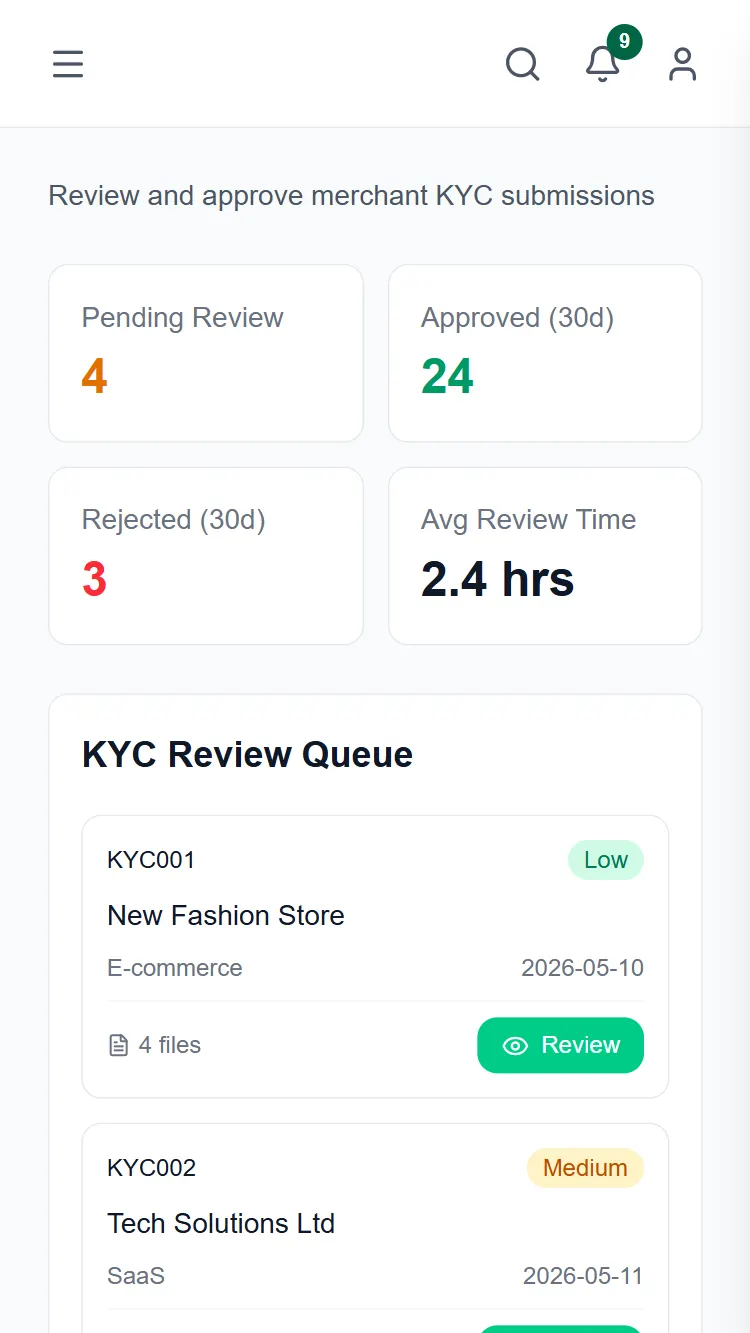
Designing internal tools often means dealing with overwhelming amounts of data. The challenge was structuring complex audit logs, user management, and KYC workflows into a clean, scannable format.
open file →
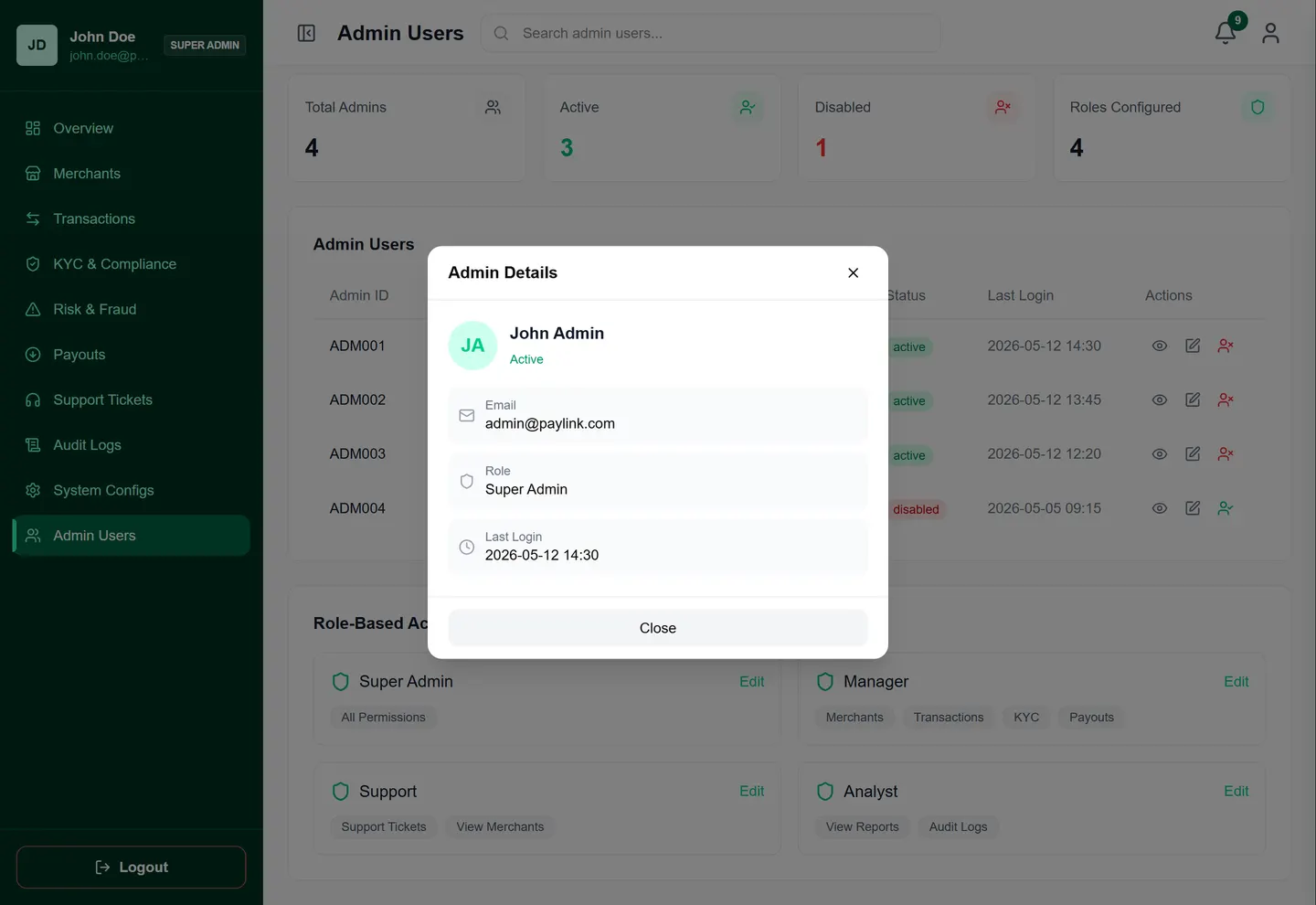
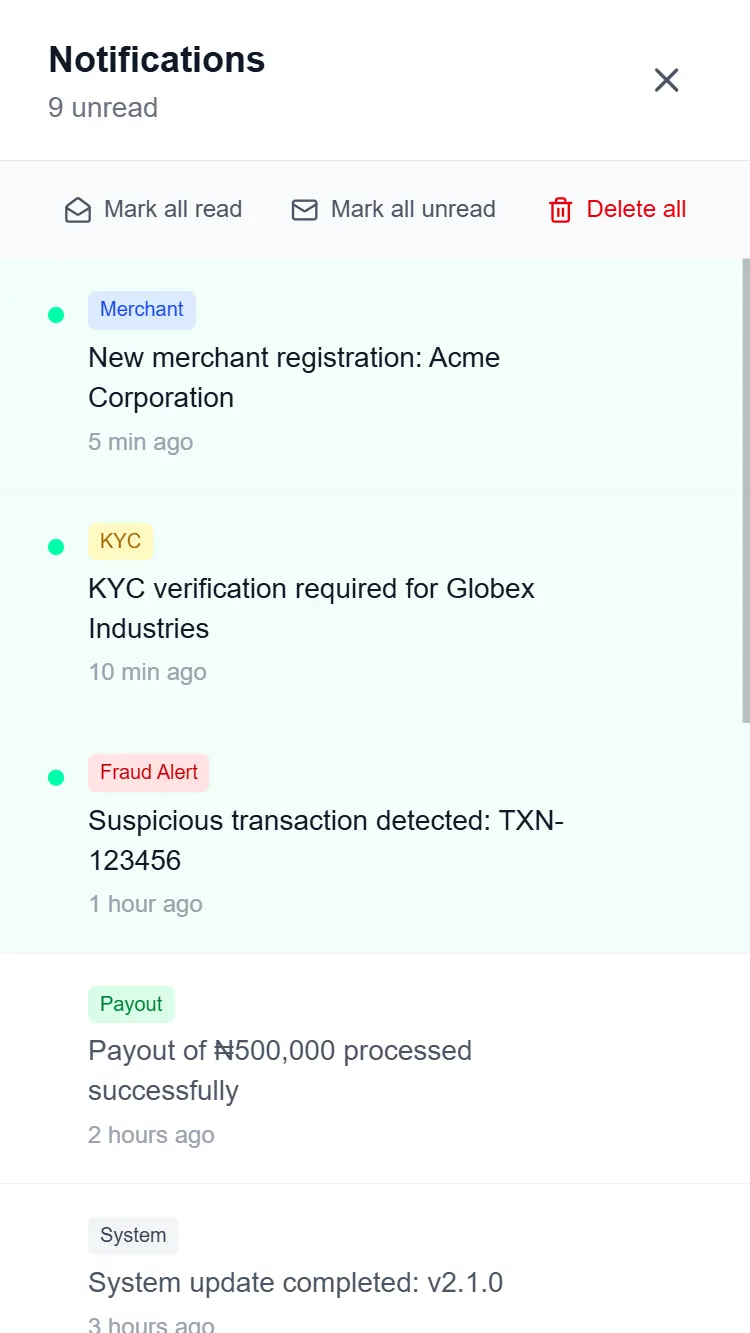
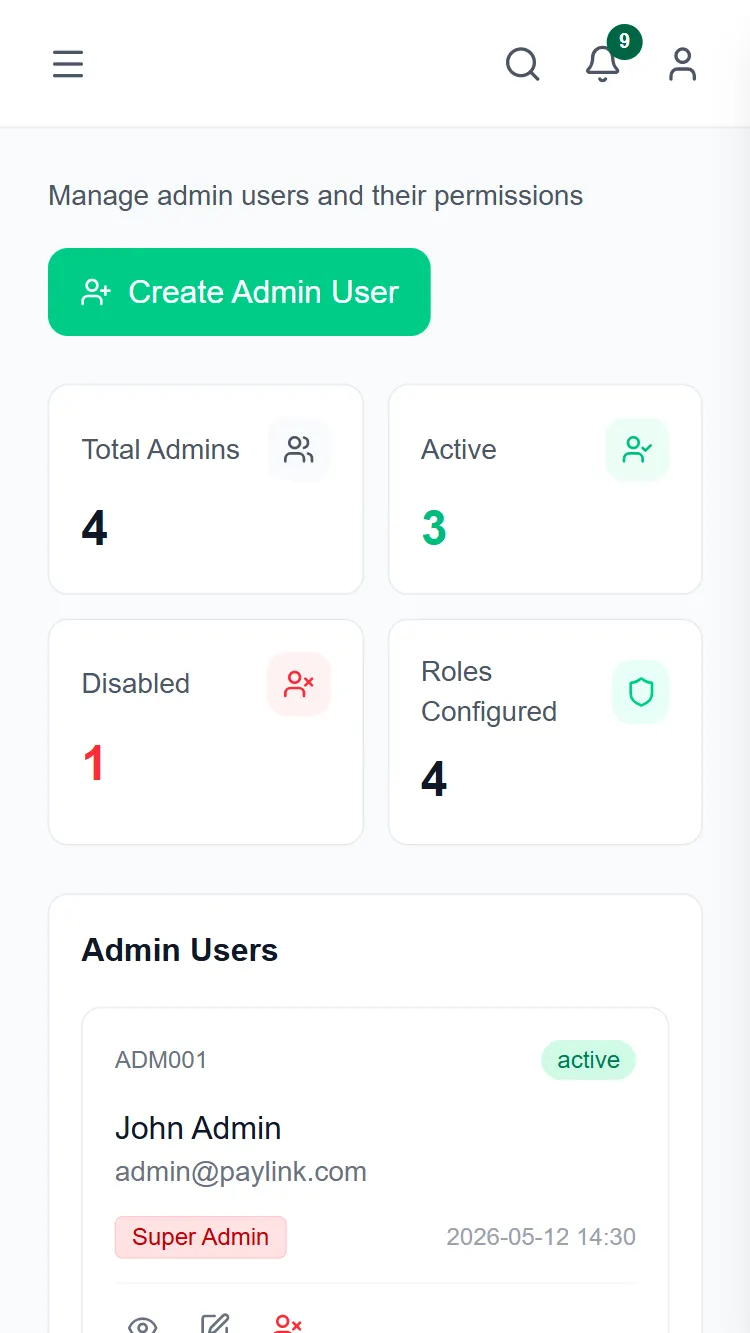
A comprehensive internal dashboard for merchants using Paylink to manage users, KYC, and monitor audit logs.
01 · the short version
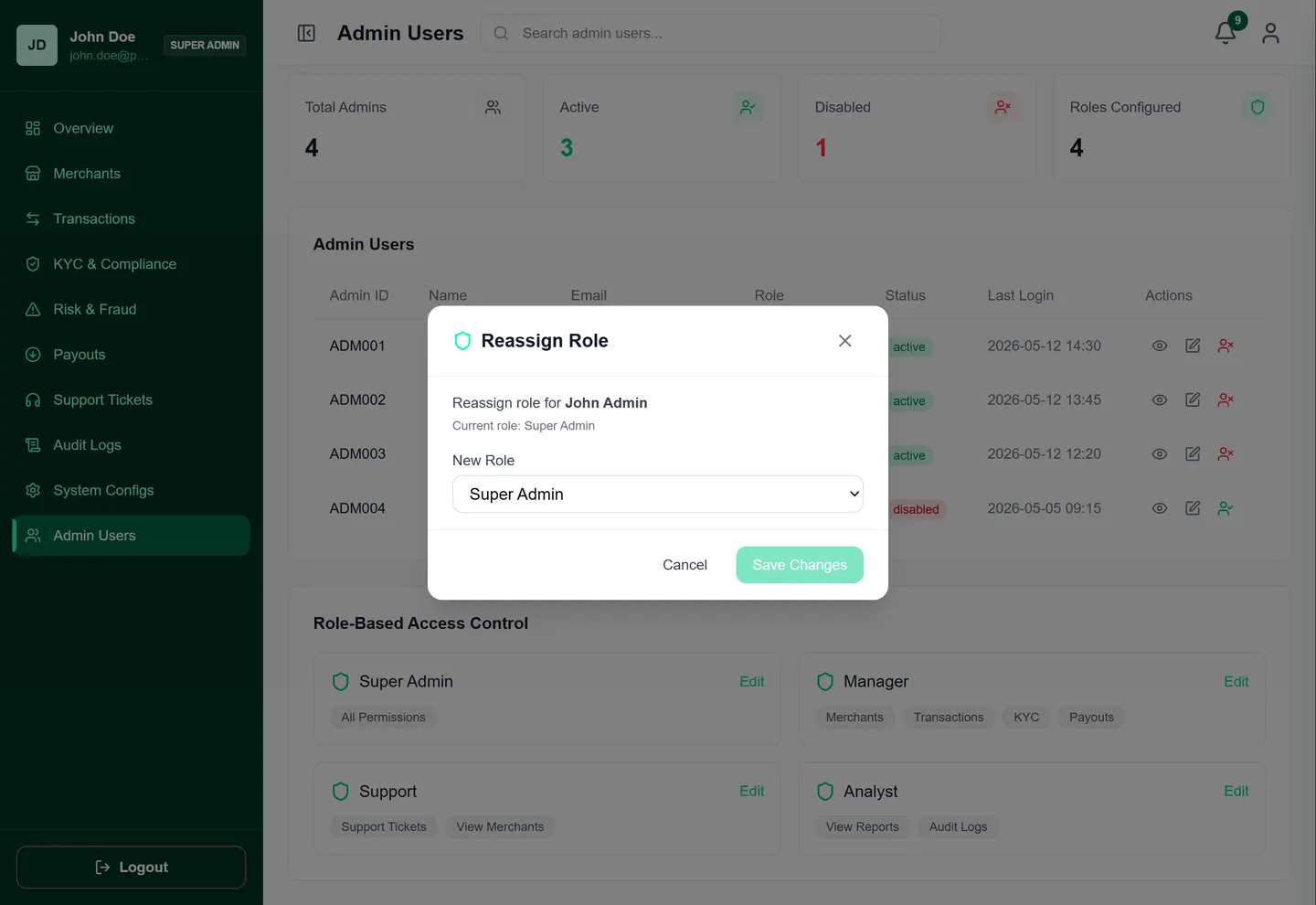
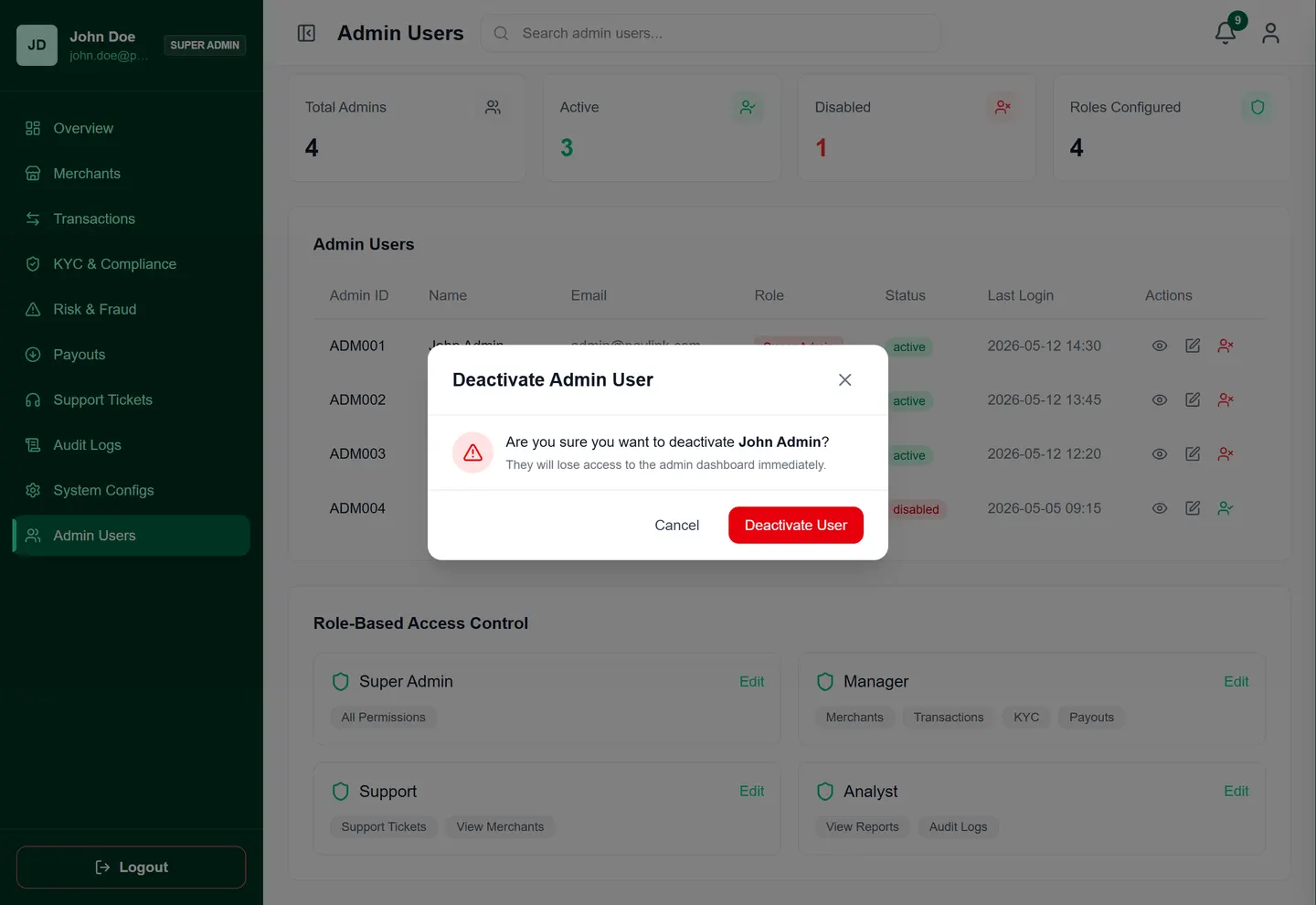
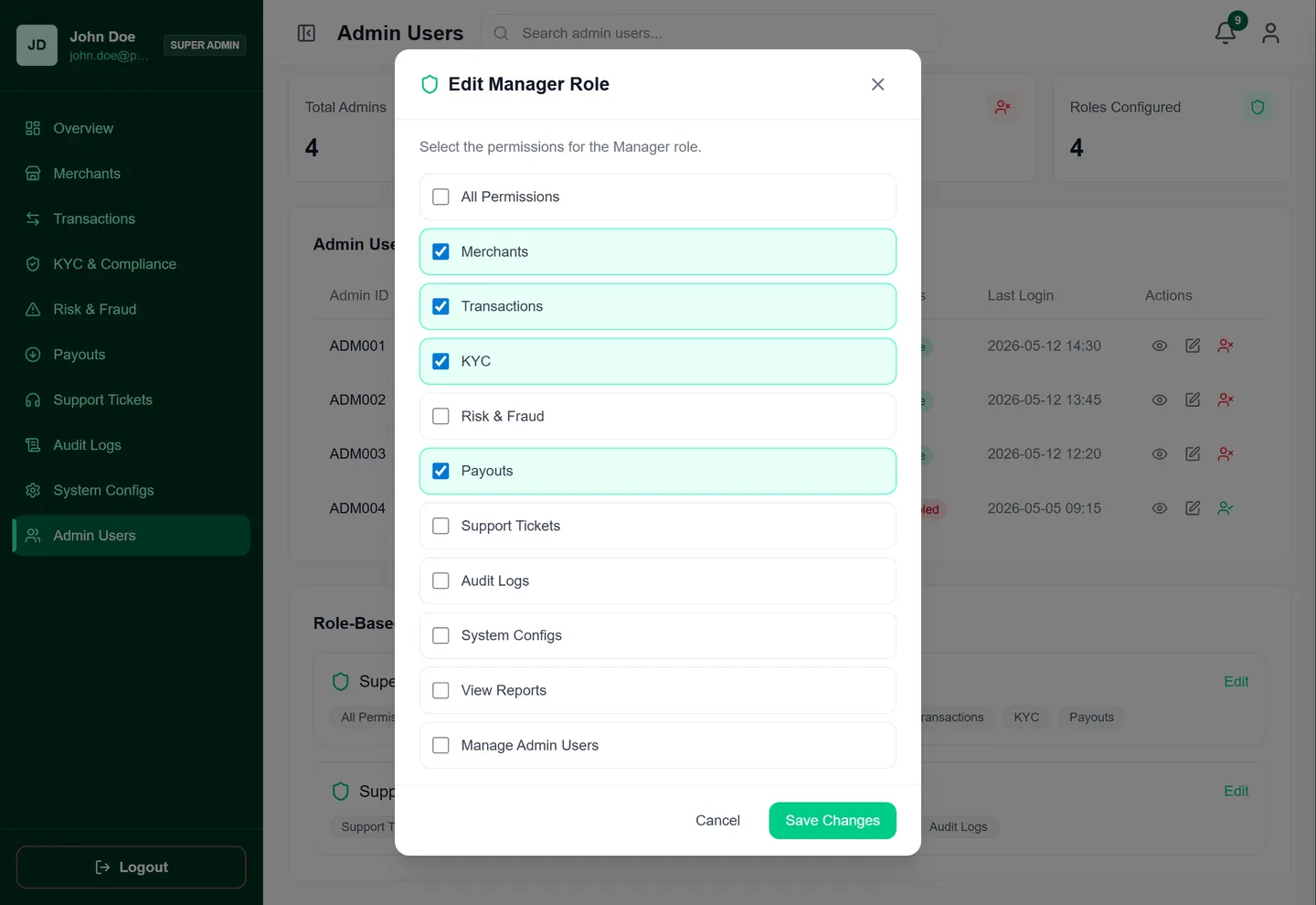
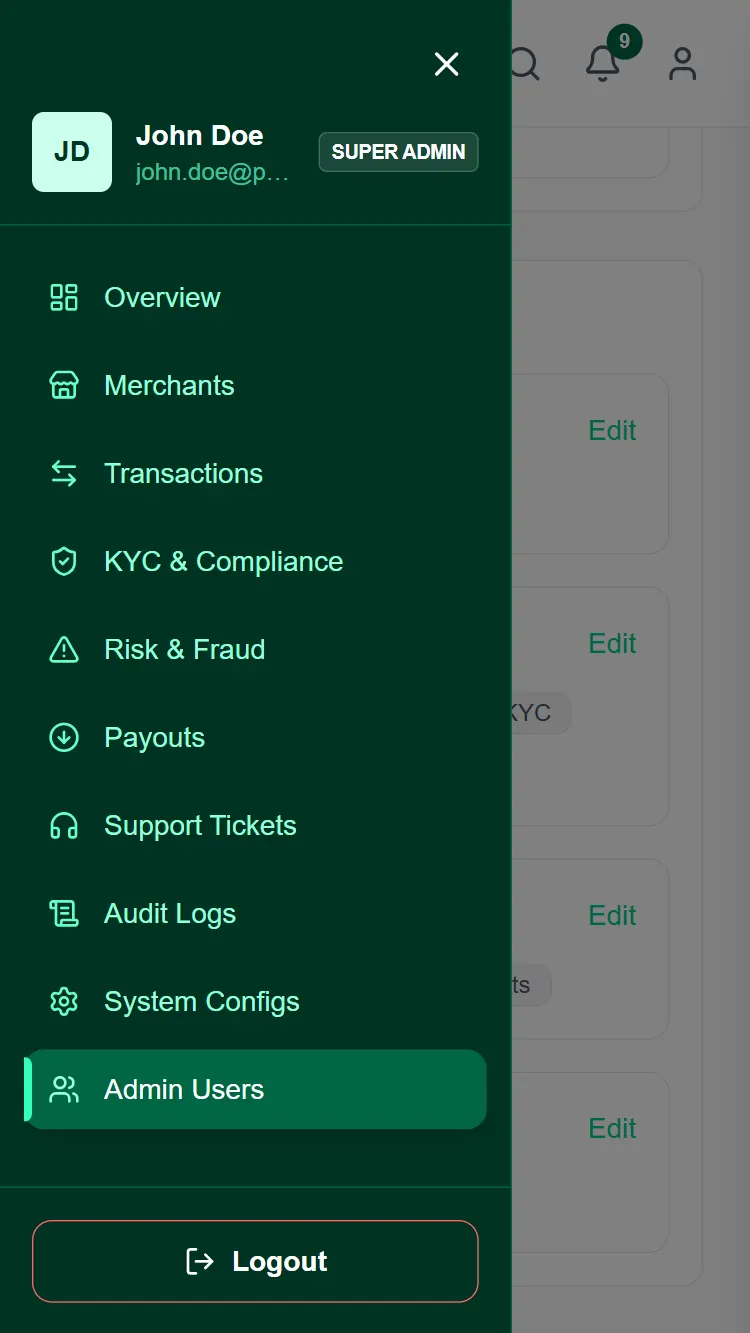
This internal platform was built to give merchants full visibility and control over their Paylink operations. Because it handles sensitive KYC and financial data, the interface had to prioritize security, data density, and clear navigation.
the problem
Designing internal tools often means dealing with overwhelming amounts of data. The challenge was structuring complex audit logs, user management, and KYC workflows into a clean, scannable format.
the approach
I implemented a highly functional, table-driven UI with robust filtering and sorting capabilities. The design focuses on productivity and quick decision-making for admins.
02 · my part
Internal Tooling
Dashboard Design
Frontend Development
03 · from the archive

04 · okay, but did it work?
An efficient, secure merchant portal that streamlines KYC verifications, audit tracking, and user management for internal teams.
I implemented a highly functional, table-driven UI with robust filtering and sorting capabilities. The design focuses on productivity and quick decision-making for admins.
built with