25/Internal Tools · Captive Portal

WiFi Portal

open file →

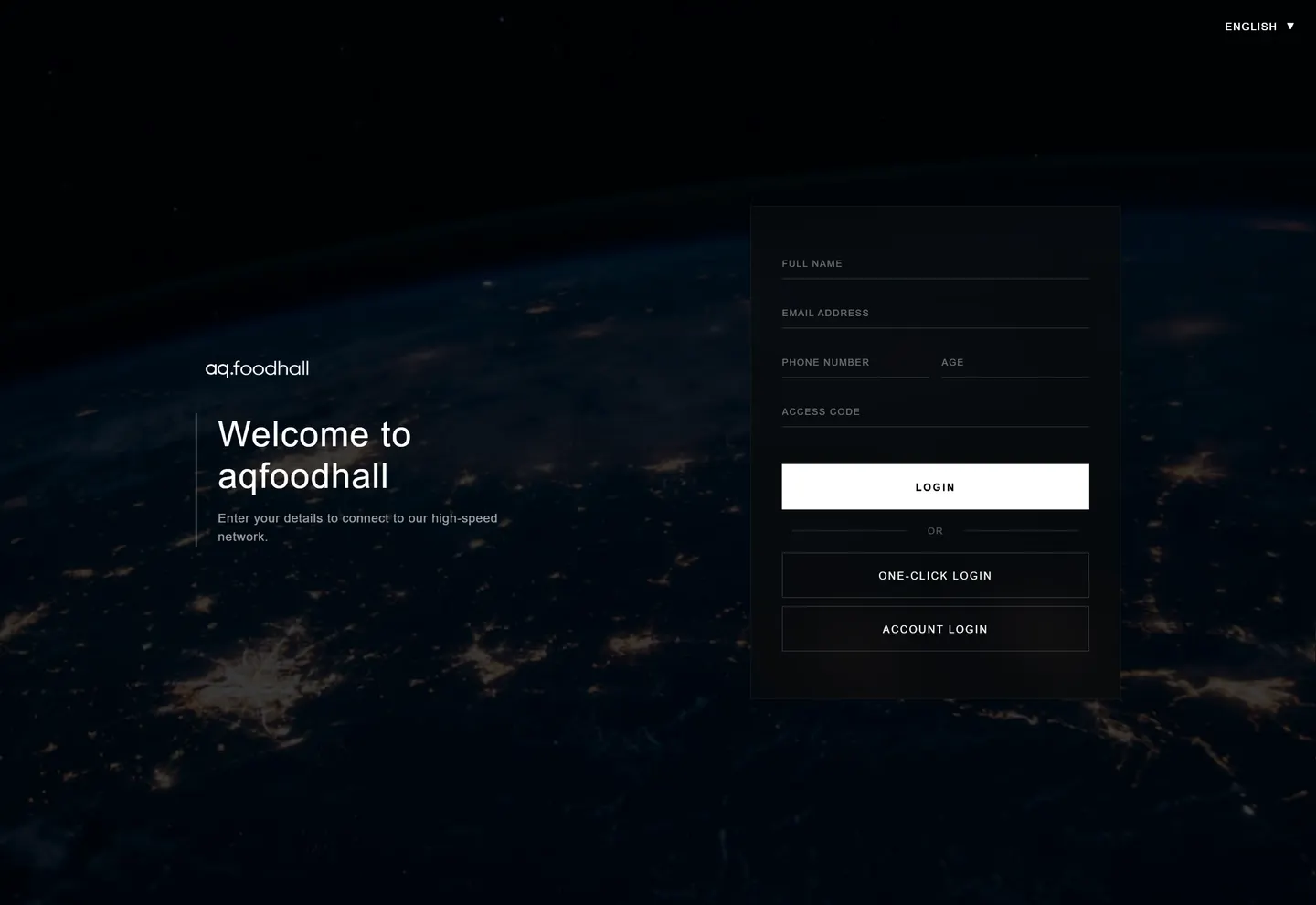
A custom captive WiFi portal designed to provide a branded, frictionless login experience for guests and staff connecting to the internal network.

case study
WiFi Portal desktop view
fig. 01 — the main thing

01 · the short version

What is this thing?

Network login pages are typically sterile and confusing. The goal here was to create a welcoming, fully branded gateway that quickly authenticates users while reinforcing the company's visual identity before they even reach the internet.

the problem

What needed fixing?

Captive portals have strict technical limitations and must load instantaneously across a massive variety of devices and screen sizes—from older smartphones to modern desktop browsers—without breaking or requiring heavy assets.
the approach

What I actually did.

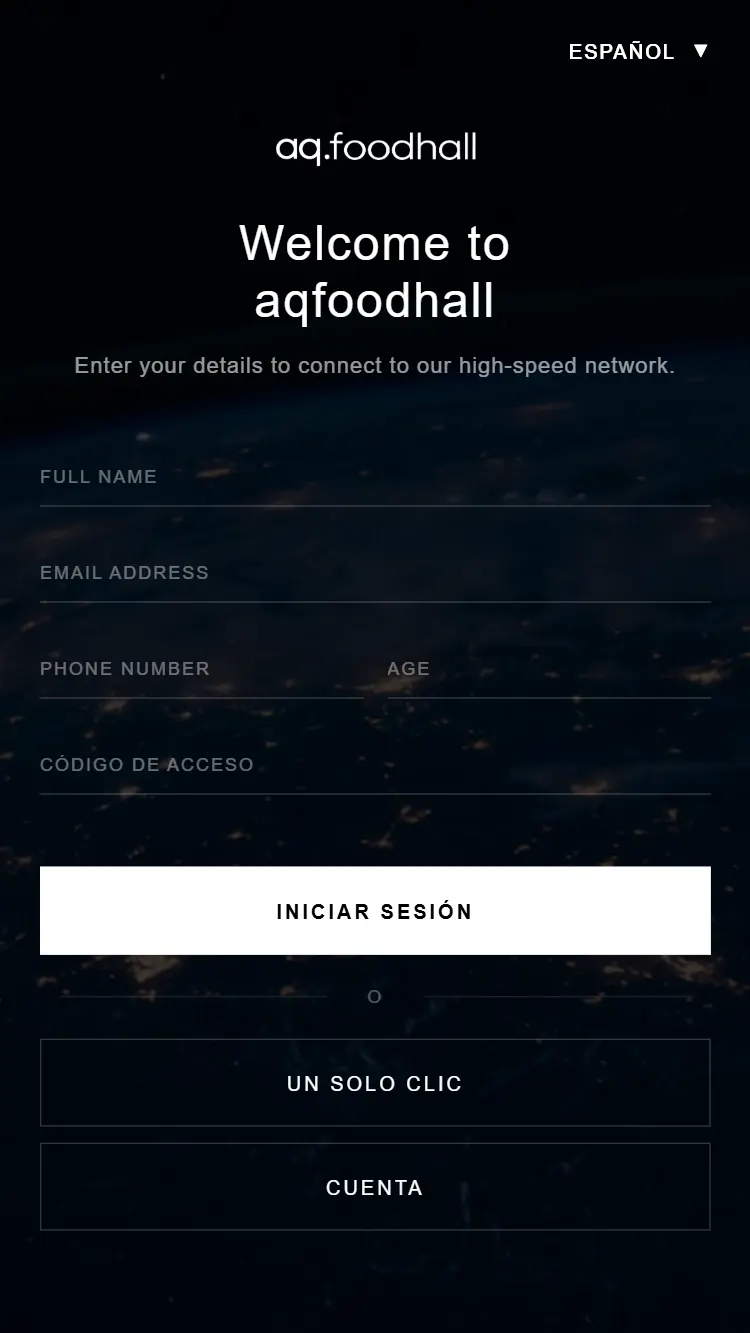
I built a highly optimized, lightweight HTML/CSS interface that focuses strictly on usability. The responsive design ensures that the authentication flow is seamless, whether someone is tapping a button on their phone or typing credentials on a laptop.

02 · my part

What I worked on.

01

UI/UX Design

02

Frontend Development

03

Captive Portal Design

03 · from the archive

A closer look.

WiFi Portal mobile view
mobile flow

04 · okay, but did it work?

A secure, aesthetically pleasing network entry point that replaces default router pages with a professional, branded digital experience.

my take

I built a highly optimized, lightweight HTML/CSS interface that focuses strictly on usability. The responsive design ensures that the authentication flow is seamless, whether someone is tapping a button on their phone or typing credentials on a laptop.

built with

HTML5CSS3JavaScriptNetwork UI